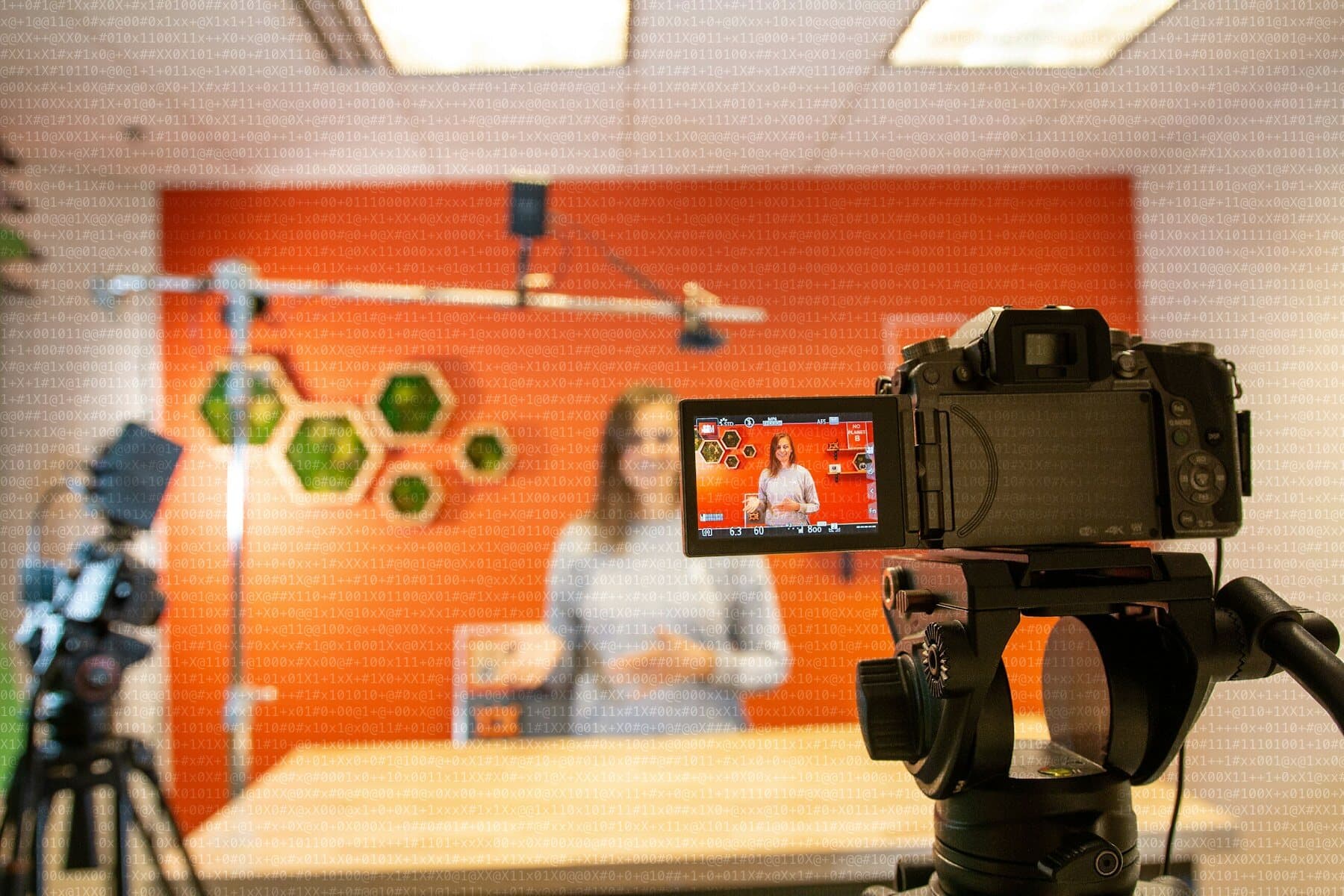
Higgsfield bundles video and image generation with several models under one roof — useful when a campaign needs fast variations for social, teasers, or proof-of-concept before traditional production. In the studio we treat it as a motion accelerator, not a substitute for art direction.
Cases where it fits well
- Abstract loops and backgrounds aligned with brand palette and rhythm.
- Ad variants for paid social A/B with the same message, different visual treatment.
- Animated storyboards to validate narrative before shoot or 3D.
- Extensions of visual identity into vertical formats without rebuilding everything in After Effects.
The platform exposes Cinema Studio-style flows, editor integrations, and access to models from different providers. That reduces technical friction; it does not remove the need for judgment. Without framing, duration, and on-screen copy guidance, output looks generic even with a powerful model.
Risks we control on every brief
- Characters or logos not licensed for training or compositing.
- Inconsistency with wordmark, typography, or tone already defined in DESIGN.md or the manual.
- Delivering clips without a final version reviewed by whoever owns the brand with the client.
Generative video shortens trial time. Brand still needs an owner who says «yes, this» or «not this».
How we connect it to web and brand
The usual path: lock visual system and key messages in Figma and code, use Higgsfield to explore motion in parallel, and carry only approved clips to the site, deck, or campaign. That closes the ecosystem: fixed design, exploratory motion, stable implementation.
A motion brief that works
The biggest mistake when working with generative video is starting by writing prompts. Before that, a motion brief answers questions any traditional production would also ask: which channel the piece is for, how long it runs, what format it takes, what it says and what the viewer should feel. With those decisions made, generating variations is exploring within a frame; without them, it is throwing dice hoping one comes up right.
- Channel and format: vertical, square or landscape, with a maximum duration.
- Message: one single idea the piece must communicate.
- References for rhythm, framing and palette taken from the visual system already defined.
- On-screen text, if any, defined and typeset outside the model to control the typography.
- Rejection criteria: what makes a variant unusable even if it is eye-catching.
Human review is part of the flow, not a formality
A generated clip can look great on first viewing and show flaws when watched slowly: a distorted hand, a transition that does not fit, an element that recalls another brand too closely. That is why review is done calmly and with a checklist: consistency with the identity, absence of elements we cannot use, legibility of the text, rhythm suited to the channel. And the final decision on what is published belongs to whoever answers for the brand to the client.
It is also worth keeping a record of which model and which instructions produced each approved piece. If the client asks for a variant months later or a question arises about usage rights, there is a documented starting point.
When we do not recommend generative video
There are projects where it does not fit. If the piece needs real people speaking credibly, a physical product shown faithfully or a verifiable testimonial, traditional production remains the more honest option. And if the brand depends on its images being unmistakably its own, it pays to be cautious with models that can produce results similar to those of any other campaign. Knowing where not to use the tool is part of using it well.
If you are evaluating AI video for a B2B launch, start with what format your audience needs — not which model is trending this week.